Marquee
Everything we wanted from our Lian Li 8.8" Universal Screen but never had, finally in one editor. Game FPS with the 1% low, Claude Code and Codex limits, and values from your own scripts, on themes you design on a canvas or in YAML. Free, for Windows. L-Connect keeps your fans, pump and RGB.
Download for Windows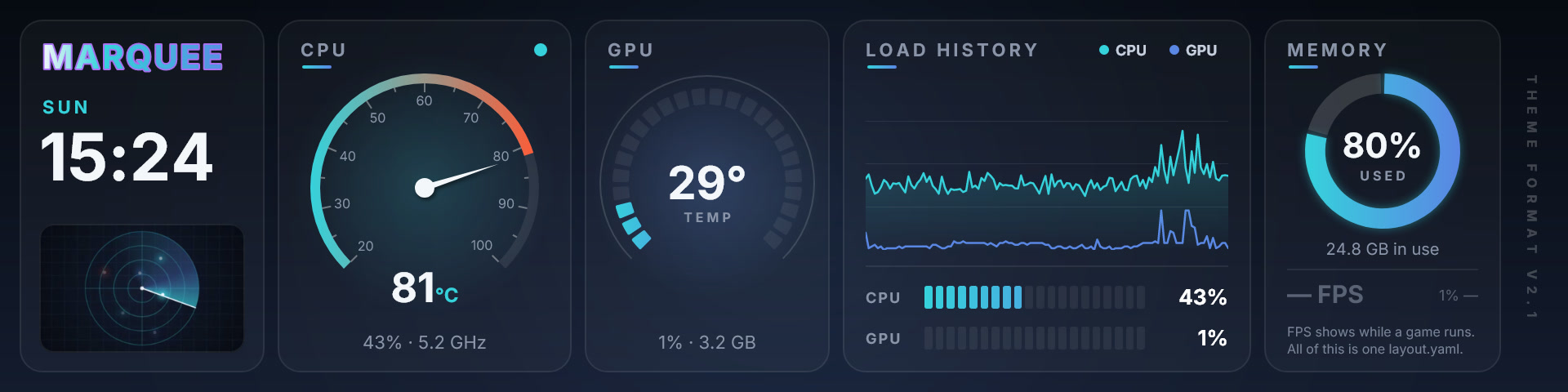
What it shows that L-Connect doesn’t
- Game FPS, the 1% low and the game’s name, from the bundled PresentMon. L-Connect’s FPS sensor for the 8.8" screen is off by default and has no 1% low.
- Claude Code and Codex usage limits with reset countdowns. Nothing like it in L-Connect’s screen guide or changelog.
- Values from your own scripts, with marquee push or a local HTTP call. L-Connect shows built-in hardware readings only.
Install
Download Marquee-<version>-x64.msi from the latest release and run it. It installs for every user, asks for administrator rights once, and includes the .NET runtime. The MSI isn’t Authenticode-signed yet; if SmartScreen appears, choose More info → Run anyway.
Ideas and requests
Feature requests, enhancement ideas and bug reports are welcome. Open an issue on GitHub, or email support@madjagstudios.com.
License
Marquee is source-available under the PolyForm Noncommercial License 1.0.0: free for any noncommercial purpose. For commercial use, contact support@madjagstudios.com.
Marquee is made by MadJag Studios, a small studio working with AI coding agents (Claude and Codex); changes go through review and testing before release. It is not affiliated with or endorsed by Lian Li Industrial Co., Ltd.